After a mini laptop? Look no further.
A mini laptop is still one of the smartest buys a student can make: light enough for your bag, quick enough for lectures, and a lot kinder to your loan than a 16-inch all-rounder.
We've rounded up the best mini laptops for students in 2026, with live prices from the UK's biggest retailers and extra savings through Student Beans.
Our ultimate guide to student entertainment has loads more to keep you entertained.
Last updated: 16th September 2026
In this guide:
• Why do students love mini laptops?
• The best mini laptops for students in 2026
• How do students save more on laptops with Student Beans?
• FAQs
Why do students love mini laptops?
The market's shifted since we last updated this guide; most brands have settled on 13 to 14 inches as the new "compact" sweet spot — small enough to slide into a rucksack, big enough that you're not squinting at a spreadsheet.
Beyond the size, mini laptops win on three things: portability (some of these weigh barely more than a couple of textbooks), battery life (several here run past 20 hours, so you can skip the charger on long library days), and price, with genuinely capable options starting under £300.
The best mini laptops for students in 2026
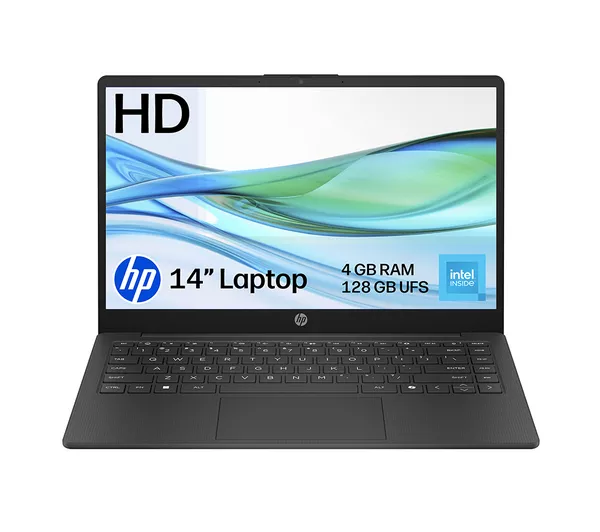
HP 14-ep2500sa – cheapest way in
Need something to get through lectures, emails and coursework without spending big?
The HP 14-ep2500sa keeps things simple: a 14-inch HD screen, an Intel N150 chip and enough storage for the essentials. 4 gigs of RAM means it's not built for heavy multitasking, so keep it to a few tabs at once, but for the price it's hard to beat.
Retailer | Price | Key specs | Pros | Cons |
|---|---|---|---|---|
£249.00 |
|
|
|
See today's Currys student deals on Student Beans.
ASUS CX14 Chromebook Plus – best value Chromebook
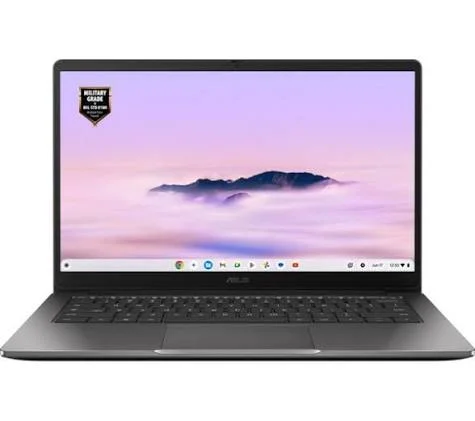
Chromebooks are having a moment, and the ASUS CX14 shows why.
8 gigs of RAM and a proper Chromebook Plus badge mean it handles Google Docs, Zoom seminars and a dozen open tabs without breaking a sweat.
It won't run desktop-only software like some Adobe apps, so check your course's requirements first, but for cloud-based coursework it's brilliant value.
Retailer | Price | Key specs | Pros | Cons |
|---|---|---|---|---|
£299.00 |
|
|
|
Browse the Argos student discount on Student Beans.
Lenovo 14" 2-in-1 Chromebook Plus – best for flipping between typing and streaming
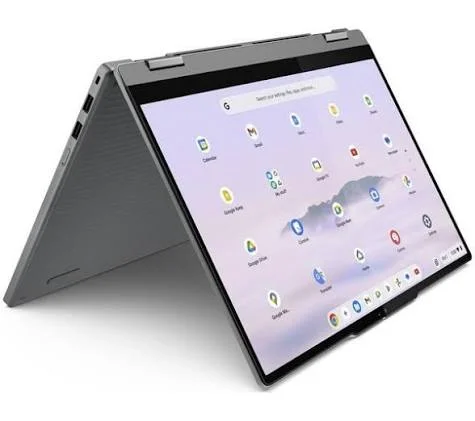
This one's a touchscreen 2-in-1, so it folds flat for lecture notes or props up for a film in halls.
The Intel Core 3 chip and 15-hour battery mean it'll comfortably outlast a full day on campus, and the Chromebook Plus certification bumps up the specs over a standard Chromebook.
Argos and Amazon stock similar Lenovo Chromebook Plus models too, so it's worth a quick price check before you commit.
Retailer | Price | key specs | Pros | Cons |
|---|---|---|---|---|
£399 (was £599) |
|
|
|
Right now, you can get 10% off Chromebooks over £199 with Student Beans. See the full Currys Chromebook discount now
Microsoft Surface Laptop 13" – best for all-day battery
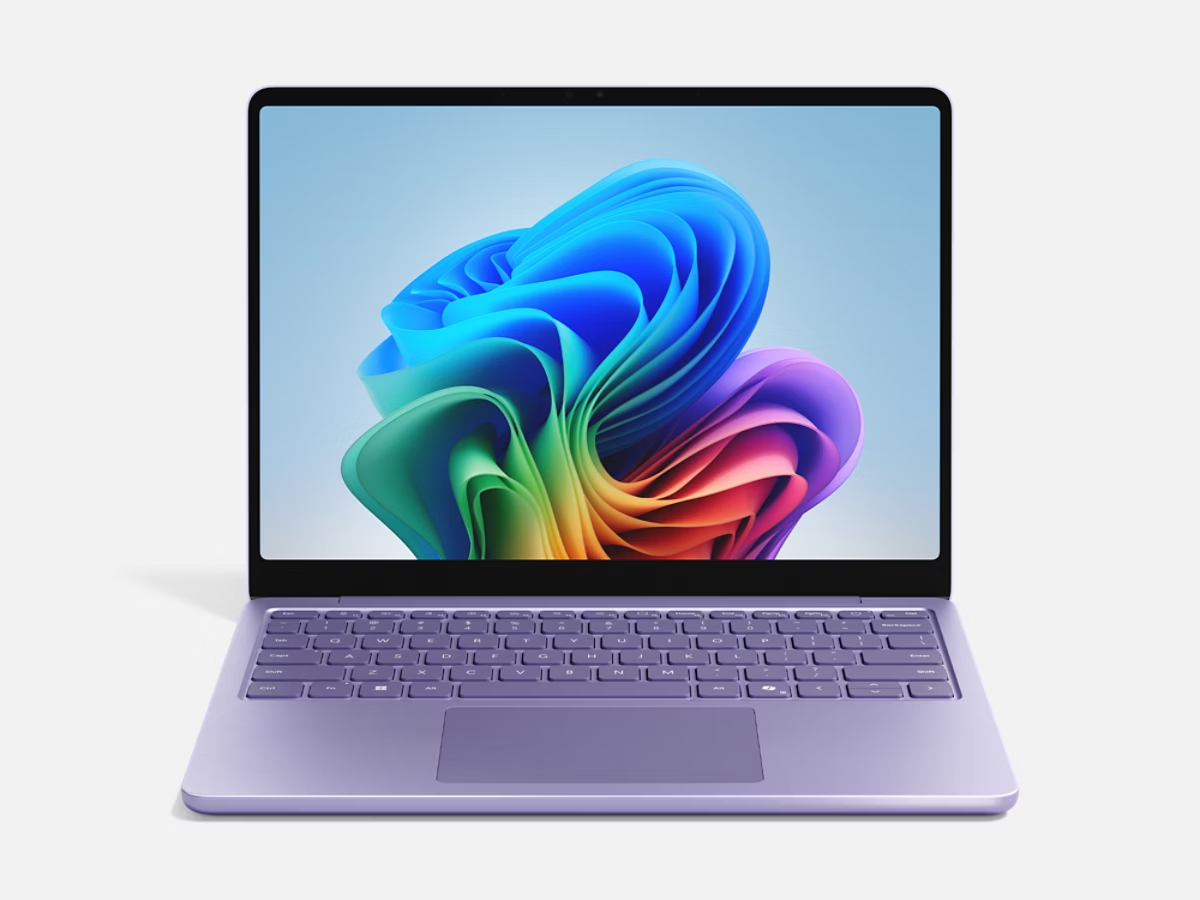
At 13 inches and running Snapdragon's ARM chip, the Surface Laptop trades a little app compatibility (some older Windows programs run through emulation) for serious battery life — Microsoft rates it at up to 23 hours.
That's a full day of lectures, library sessions and note-taking without hunting for a plug socket. It also sits just under the £799 mark, so it narrowly misses Currys' £100-off tier — worth watching in case the price shifts.
Retailer | Price | key specs | pros | cons |
|---|---|---|---|---|
£699.00 (was £899) |
|
|
|
Check Currys' latest student offers on Student Beans.
Dell XPS 13 – best for a sharper screen
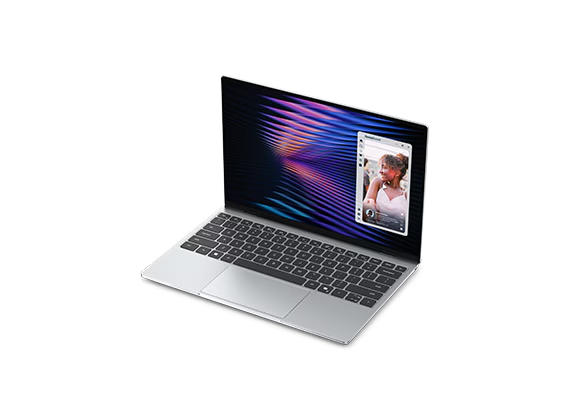
The XPS 13 is the pick for anyone who spends hours staring at a screen and wants it to look genuinely good: a Quad HD, 120Hz display that's a noticeable step up from the rest of this list.
8 gigs of RAM is on the lower side for a laptop at this price, so heavy multitaskers might feel it strain, but for design, film or media students who care about visuals, it's worth the trade-off.
Retailer | Price | key specs | pros | cons |
|---|---|---|---|---|
£799 (was £899) |
|
|
| |
£769.02 (starting at £699 for eligible students) | Same as above | Same as above | Same as above |
Get 10% off Dell LT/DT, XPS LT/DT & AW LT/DT laptops with your Dell student discount on Student Beans.
Apple MacBook Air 13" (M5) – best for Mac fans
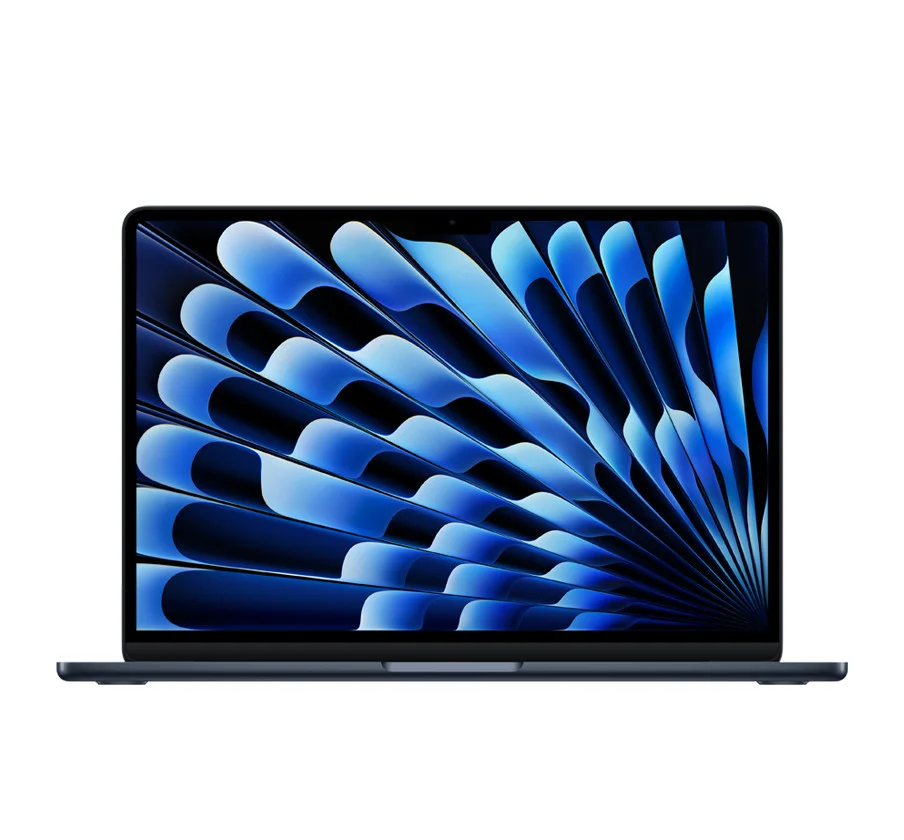
If you're set on staying in the Apple ecosystem, the new M5 MacBook Air is the pick, and it's genuinely excellent: light, near-silent, and the battery comfortably lasts a full day.
It's also, without dressing it up, the most expensive laptop on this list by a wide margin. Apple's pricing has climbed sharply since the previous model, so most students will get better value from one of the picks above unless syncing seamlessly with an iPhone or iPad is a dealbreaker.
Retailer | Price | keys specs | pros | cons |
|---|---|---|---|---|
From £1,299.00 |
|
|
| |
£1,299.00 | Same as above | Same as above | Same as above |
See Apple's Education Store discount on Student Beans.
How do students save more on laptops with Student Beans?
Every retailer here has its own live student discount on Student Beans, and they stack on top of seasonal sales rather than replacing them, so it's always worth checking both before you check out.
Create a free Student Beans account or download the app to unlock the codes above, plus thousands more across tech, fashion and food.
Kitting out a whole desk setup? Our best iPhone deals for students guide is a good next stop, and if gaming performance matters as much as portability, our best laptops for Sims 4 roundup digs into the specs that actually matter.
FAQs
What's the best mini laptop for students in 2026?
It depends on budget. For pure value, the HP 14-ep2500sa or ASUS CX14 Chromebook Plus cover the basics cheaply. If battery life matters most, the Microsoft Surface Laptop 13" is the strongest pick, and the Apple MacBook Air 13" leads if you're staying in the Apple ecosystem.
Are Chromebooks good enough for university work?
For most coursework, yes. Chromebooks handle Google Docs, browser-based tools and video calls easily, and a Chromebook Plus model like the ones above adds enough power for photo editing and offline apps too. The exception is any course that needs desktop-only software, so check your reading list or course handbook first.
How much RAM do students actually need?
4 gigs typically is fine for browsing and word processing, 8 gigs is the sweet spot for most coursework, and you'll want 16 if you're editing video, running design software or gaming between lectures.
Do students get a discount on laptops with Student Beans?
Yes. Most of the retailers above run a live student discount through Student Beans, from percentage-off deals to fixed amounts on laptops over a certain price. Codes and thresholds change often, so it's worth checking the app before every purchase.
How long should a mini laptop last?
With reasonable care, most mini laptops perform well for around three to five years before the battery or storage starts to show its age. Chromebooks tend to stay snappy for longer than a Windows machine running similar hardware, since they're built to be lighter on specs.
What screen size counts as a "mini" laptop now?
A few years ago that meant 11 inches. Most mainstream brands have moved that up to 13 or 14 inches, which is now the standard "compact" size: small enough to carry all day, big enough to actually get work done on.
Unlock even more with Student Beans
All your favourite brands at your fingertips, from fashion and beauty to food and drink, available to college and uni students aged 16 and over. Dive into our blog to find tips and advice to help you navigate student life, from applying to uni to life after graduation.
- Sign up for a Student Beans account or log in to start saving on the biggest and best brands.
- Download the Student Beans app to unlock exclusive app-only discounts.